
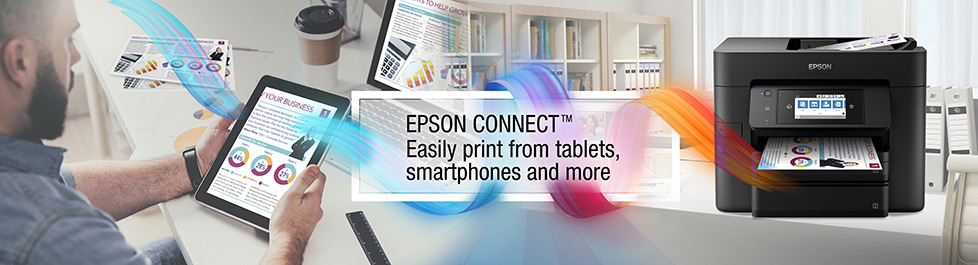
Print Anywhere, Anytime1
Easy Wireless Printing
Print wirelessly from your iPad®, iPhone®, tablet, smartphone or computer. Print documents and photos from across the room or around the world. These free solutions make it easy to change the way you print.
For Home

Convenience Anywhere
Sharing your life and saving time just got easier.
Print and share anywhere, instantly.
Sharing your life and saving time just got easier.
Print and share anywhere, instantly.
- Mobile Solutions for Home
 Learn More

For Business
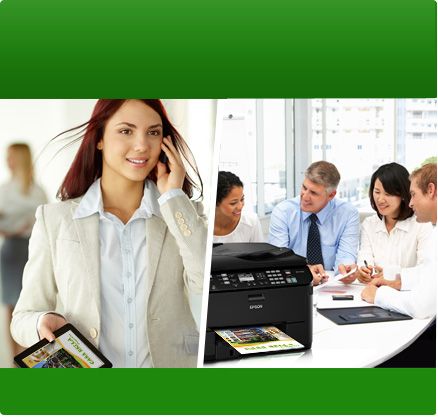
Productivity Anytime
Use your printer even when you´re out of the office. Save time and improve efficiency while on the go.
Use your printer even when you´re out of the office. Save time and improve efficiency while on the go.
- Mobile Solutions for Business Learn More

Epson Connect Solutions

Epson® Smart Panel App
Intuitive control centre for printers & scannersSet up, monitor, print, scan and more, directly from your smart phone or tablet. With direct links to instructional videos, Epson Creative Print and ordering ink.


Epson Creative Print App
Personalize and ShareGet creative and share your Facebook photos, create greeting cards/stationery and CD/DVDs as well as turn photos into fun colouring book projects.

Epson Remote Print
Desktop Printing From AnywhereEnjoy the power to print to an Epson printer anywhere in the world right from your computer or laptop. Being more productive is now even easier and powerful.

Epson iPrint™ App
Print and Scan While On The GoTurn your tablet or smartphone into a powerful office assistant. Now you can print, scan and share your documents and photos no matter where you are.

Epson® Email Print
Print From Any Device, AnywhereExperience the convenience of printing from anywhere. You can simply email photos and documents to your Epson printer from virtually any device.

Epson Scan To Cloud
Scan and Share From Your PrinterUse your printer to scan and share your document or photo by emailing right from your Epson printer or saving them directly to an online storage account.

Other Mobile Solutions

Apple® AirPrint™
AirPrint makes it simple to print emails, photos, web pages and documents straight from your iPad or iPhone. There´s no software to download, no drivers to install and no cables to connect. Your Apple device will automatically connect to AirPrint-enabled Epson printers.
Google Cloud Print
Print on-the-go from a smartphone or tablet using Google Cloud Print™ using your Gmail or Google Docs account. Plus, print from Chromebooks and Google Chrome without installed drivers or connecting cables. It´s now even easier to share your Google content from anywhere.1Most features require an internet connection to the printer as well as an Internet- and/or email-enabled device.
iPad, iPhone, iPod, and iPod Touch are trademarks of Apple Inc., registered in the U.S. and other countries. AirPrint and the AirPrint logo are trademarks of Apple Inc.
iPad, iPhone, iPod, and iPod Touch are trademarks of Apple Inc., registered in the U.S. and other countries. AirPrint and the AirPrint logo are trademarks of Apple Inc.
- Next: Home Solutions