
 |
||||
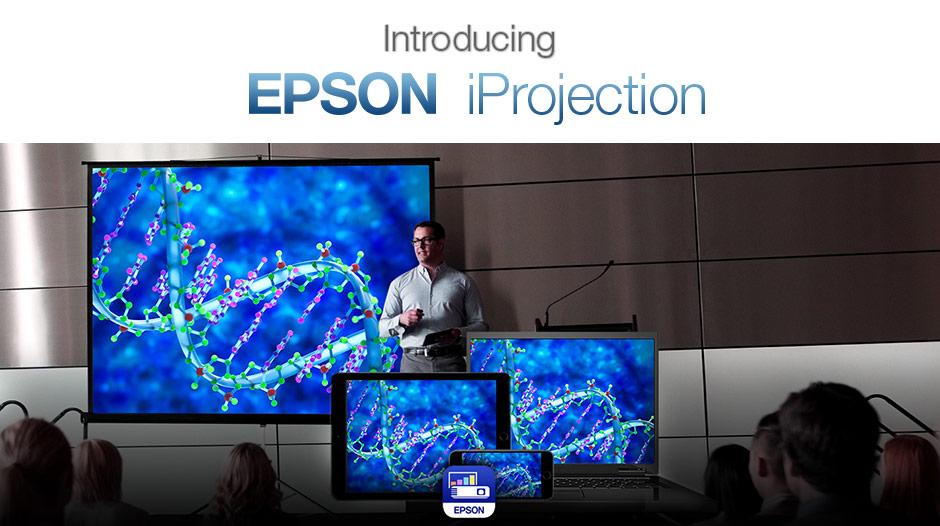
Epson iProjection™ AppWirelessly Project from your Chromebook, iOS* or Android™ mobile device with the Epson iProjection App. This free application allows you to travel lightly and present anywhere from your mobile devices. Teachers can use the iProjection app in the classroom to easily share and control content from up to 4 connected devices simultaneously. |
||||

|
||||

|
||||

Project Documents & Photos WirelesslyThe Epson iProjection app will enable you to have the wireless freedom you've come to expect from your mobile device.The app is easy to use and navigate with intuitive menu options that help bring iOS, Android™, and Chromebook content to the big screen. |
||||
Wirelessly Project from your ChromebookEpson iProjection for Chromebooks is an easy to use projection app for Chromebooks computers. iProjection for Chromebooks supports fully mirrored display of all your Chromebook content including Google Docs, Slides, Sheets, and Chrome browser.For teachers and students, the Epson iProjection App for Chromebook makes it easy to move about the room and effortlessly share content with the entire class. When used in conjunction with Epson Multi-PC Projection with Moderator function1 the iProjection App gives you the ability to display up to four Chromebook™ computers simultaneously. You can choose these from a maximum of 50 connected devices, delivering an engaging collaborative experience. |
||||
It's as easy as..

Connect your iOS device to the projector's network 
Launch app and select connected projector 
Select the file to project (doc, photo or web page) and you're ready to go
|
||||
Display Documents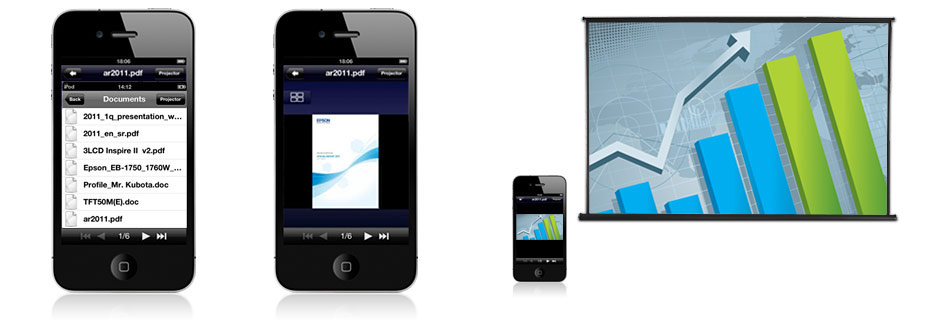
Select document Control document Project documents wirelessly (Word, PowerPoint, Excel, Keynote, PDF)

|
||||
Display Photos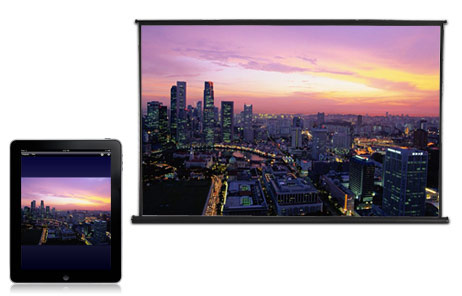
Project photos from your photo library wirelessly |
Additional App Features
* Up to 4 projectors, all compatible for iProjection v130 can support this function File format support:
* Only supported on iOS Devices ** Opens documents on web hyperlinked |
|||
Compatible DevicesiOS
Android
Chromebook
iPad®
iPad 1st Generation or later iPad Air iPad mini 1st Generation or later iPhone® iPhone 3GS iPhone 4 iPhone 4S iPhone 5 iPhone 6 iPhone 6+ iPhone 7 iPhone 7+ iPod® iPod touch (3rd Generation or later Android™ Android Mobile Android™ Android Tablet Google Chromebook™ |
||||
SupportWirelessCheck your owner's manual to determine if a separate wireless module must be purchased to enable wireless connection on your Epson projector. Epson projectors can be networked either through the ethernet port on the projector (check model specifications for availability) or via a wireless connection. Not all Epson projectors can be networked. Availability varies depending on model. |
 |
|||
|
||||




| Back To Top |  |